Customizable desktop clock
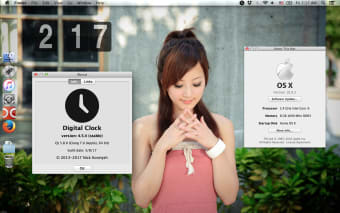
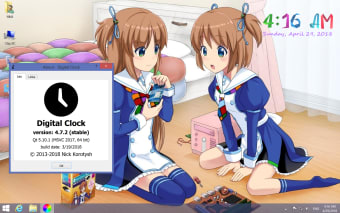
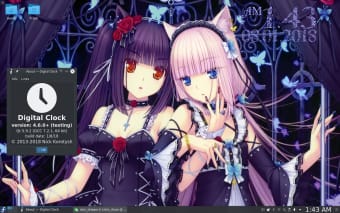
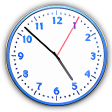
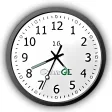
Digital Clock 4 lightweight enhancement utility that helps users place a digital clock on their desktop screens. It provides a simple clock that comes with various customization options to fully change its appearance to match your wallpaper. It comes with a decent selection of skins and is even movable to any area on your computer screen. This unobtrusive tool runs in your system tray. However, it reveals several configuration settings that you can tinker with once launched.
Top Recommended Alternative

Unique time-telling
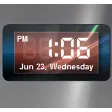
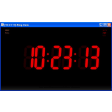
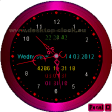
Digital Clock 4 offers a wide range of customization options for your desktop clock. As noted, the app allows you to move the digital clock in any area of the screen. You can even make it remain on top of other windows. The size and the opacity of the clock is also adjustable, as well as the layout. There are different skins available that you can apply to change its appearance to match the look of your desktop.
Digital Clock 4 also lets you customize other details of your clock. For one, the app gives you the possibility to pick the time format or change the text in terms of font style and size. More, you can tweak the texture by selecting from various colors or uploading images. Furthermore, it lets you work with different plugins, allowing you to set up alarms by adding MP3 music files or specifying URLs.
You can also display user-defined messages in the clock and even use it to schedule your computer to shut down at a specified time. Digital Clock 4 is a simple app that does not require much computer knowledge to set up its parameters. In addition, it leaves a minimal footprint on your system, so it will not affect its performance.
Handy clock
All in all, Digital Clock 4 is a handy app to have. It is an efficient clock and time management tool with a handy suite of functions. It is easy to use and comes with various configuration options that let you tweak its appearance. However, if you are not that bothered by your pre-provided clock not matching your theme, then it won’t be necessary to download this program.